
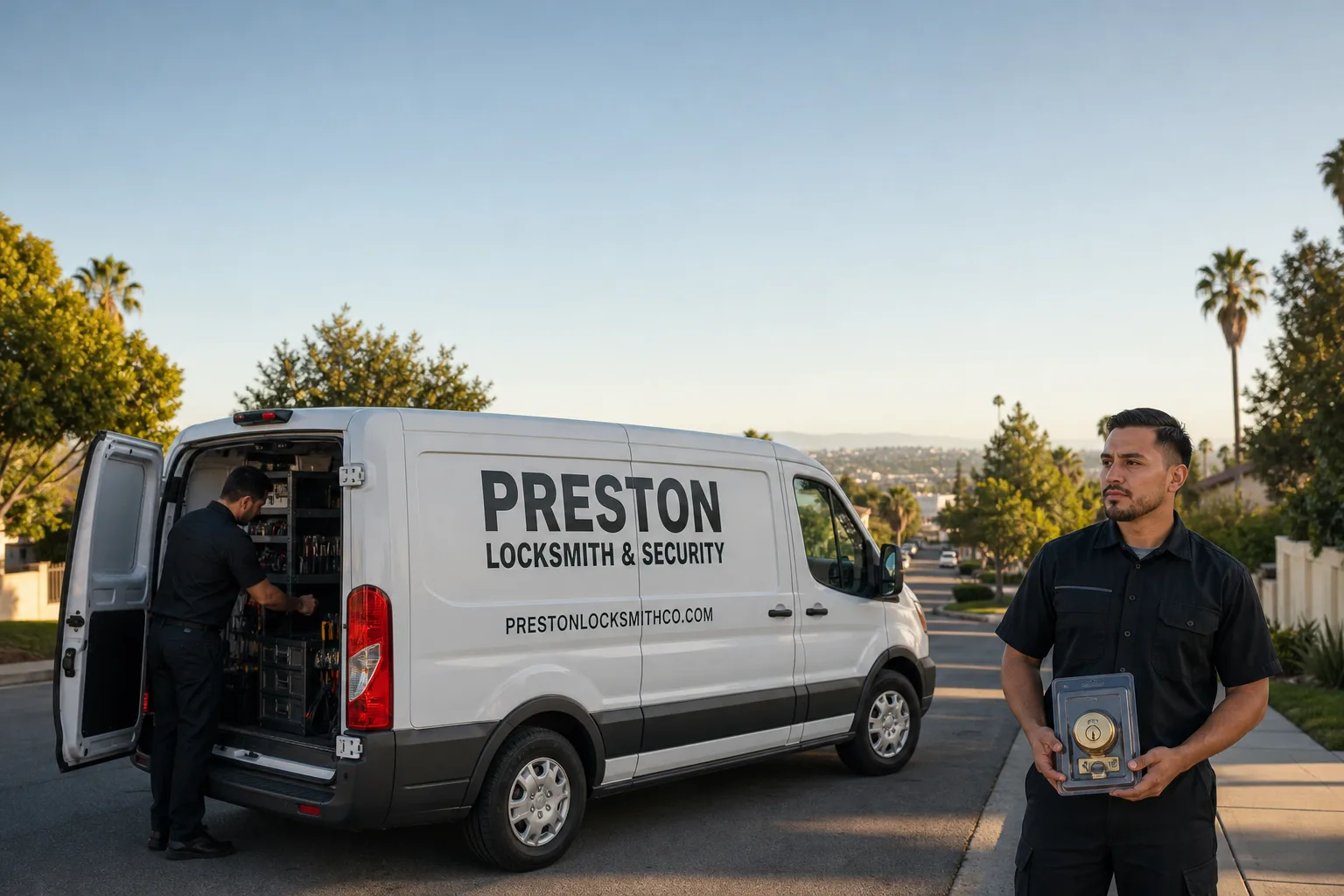
Non-destructive entry first, always - and we re-key Schlage, Kwikset, and Baldwin locks on the spot while you watch
You get a price before we start. It does not change when we arrive. No surprises.
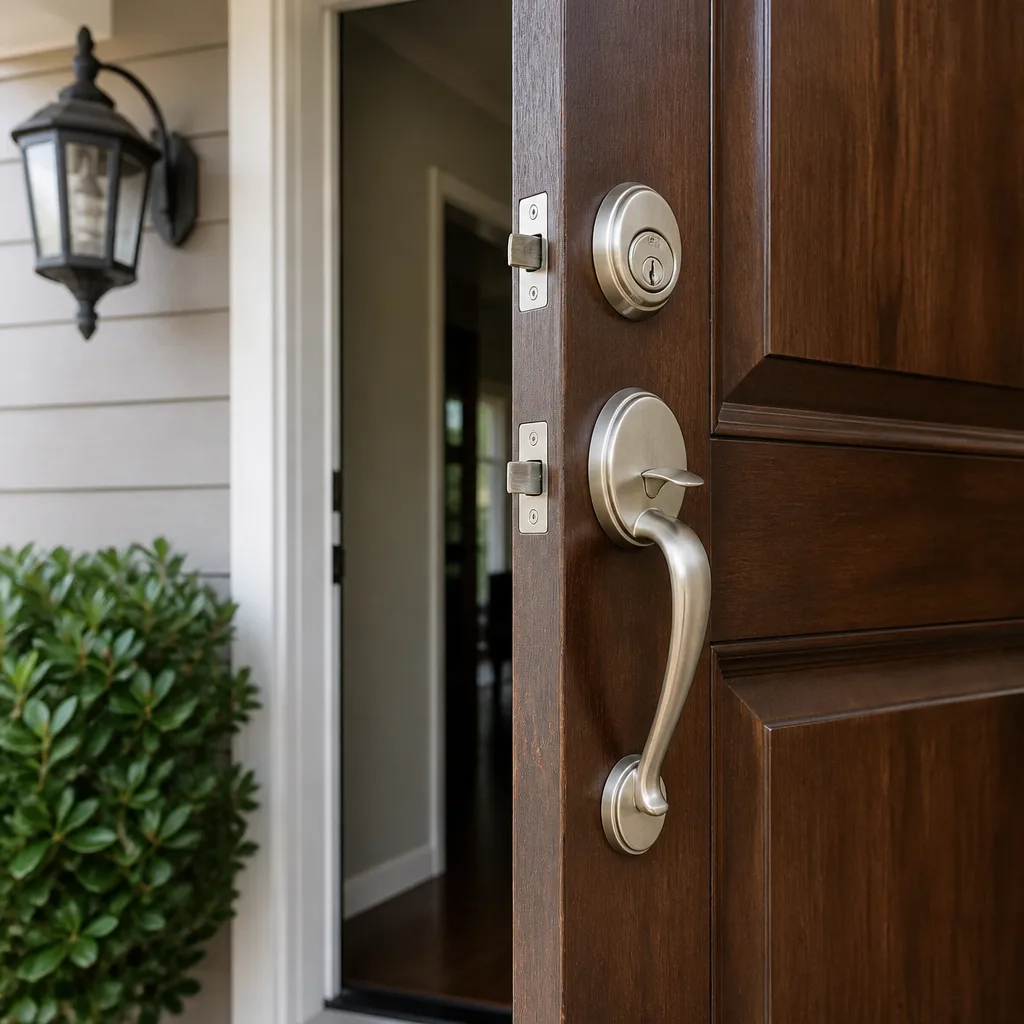
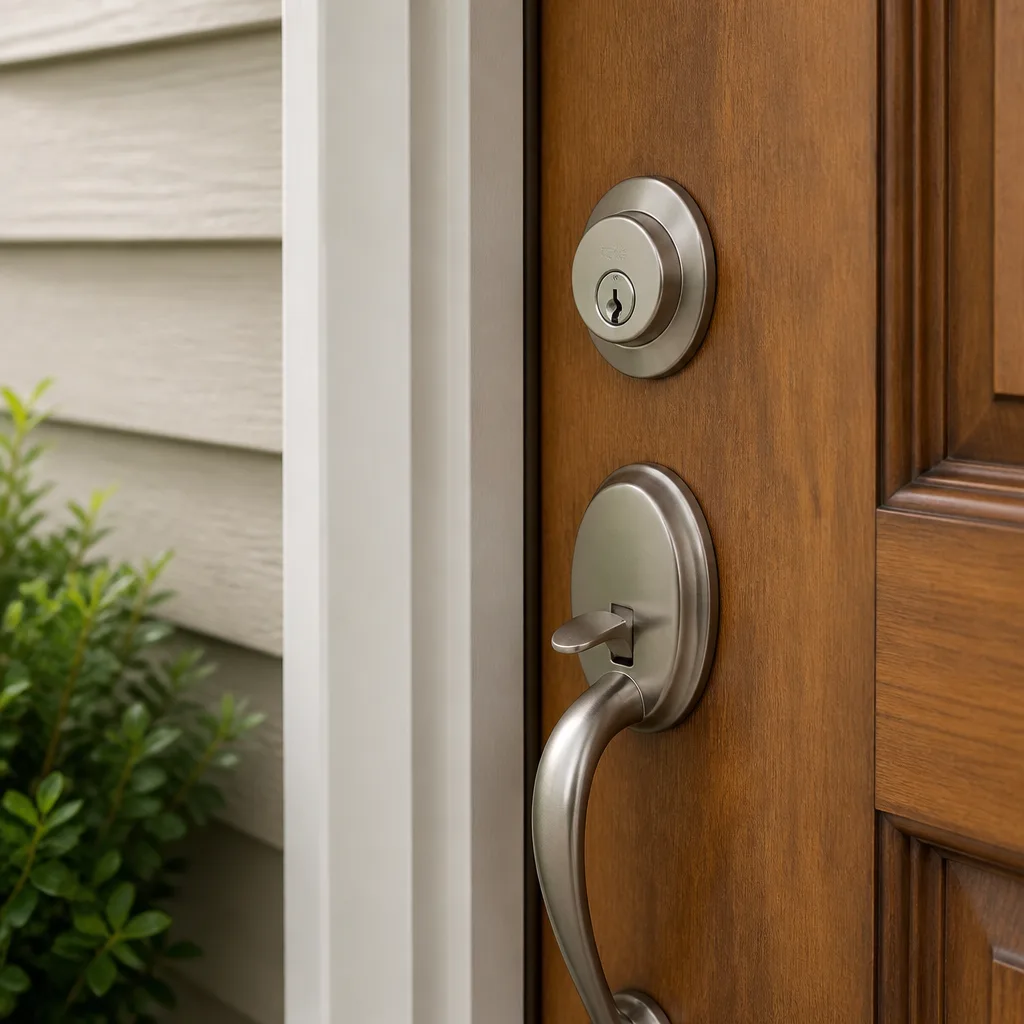
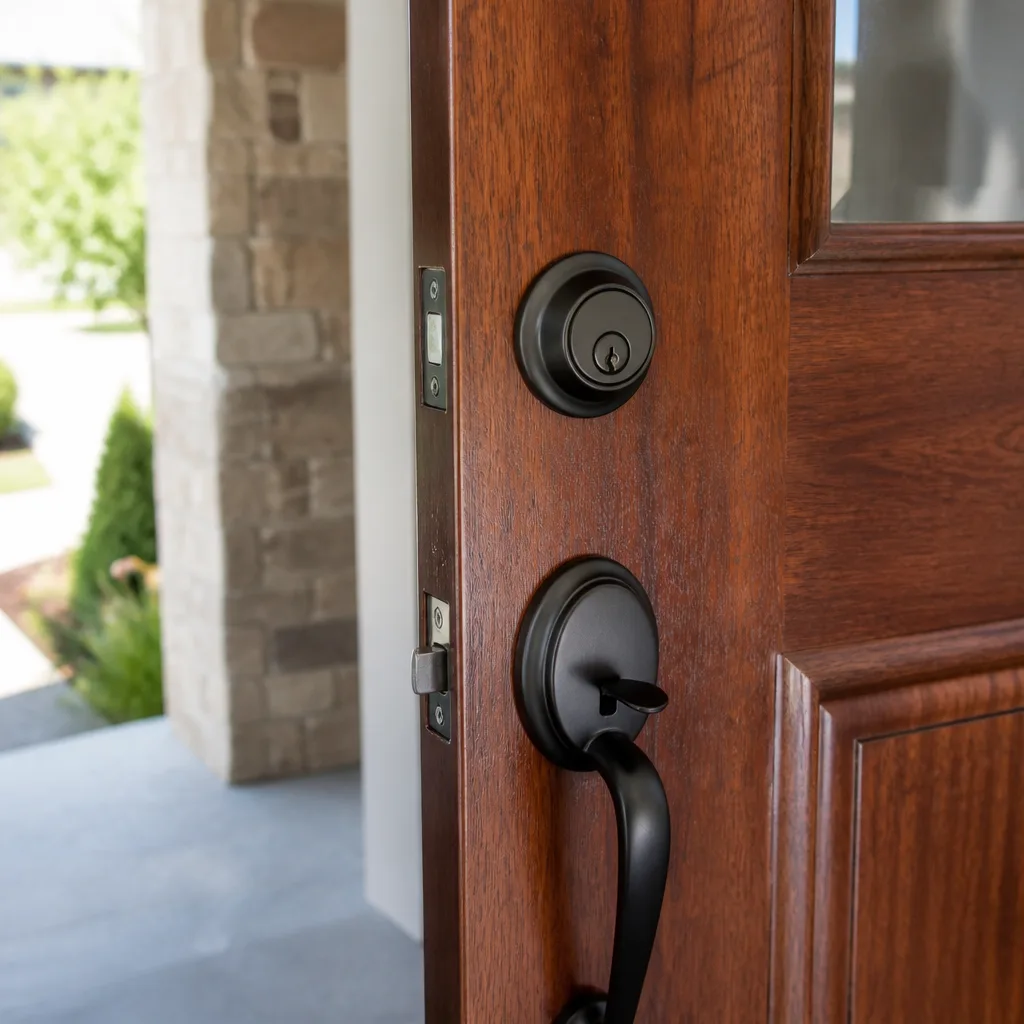
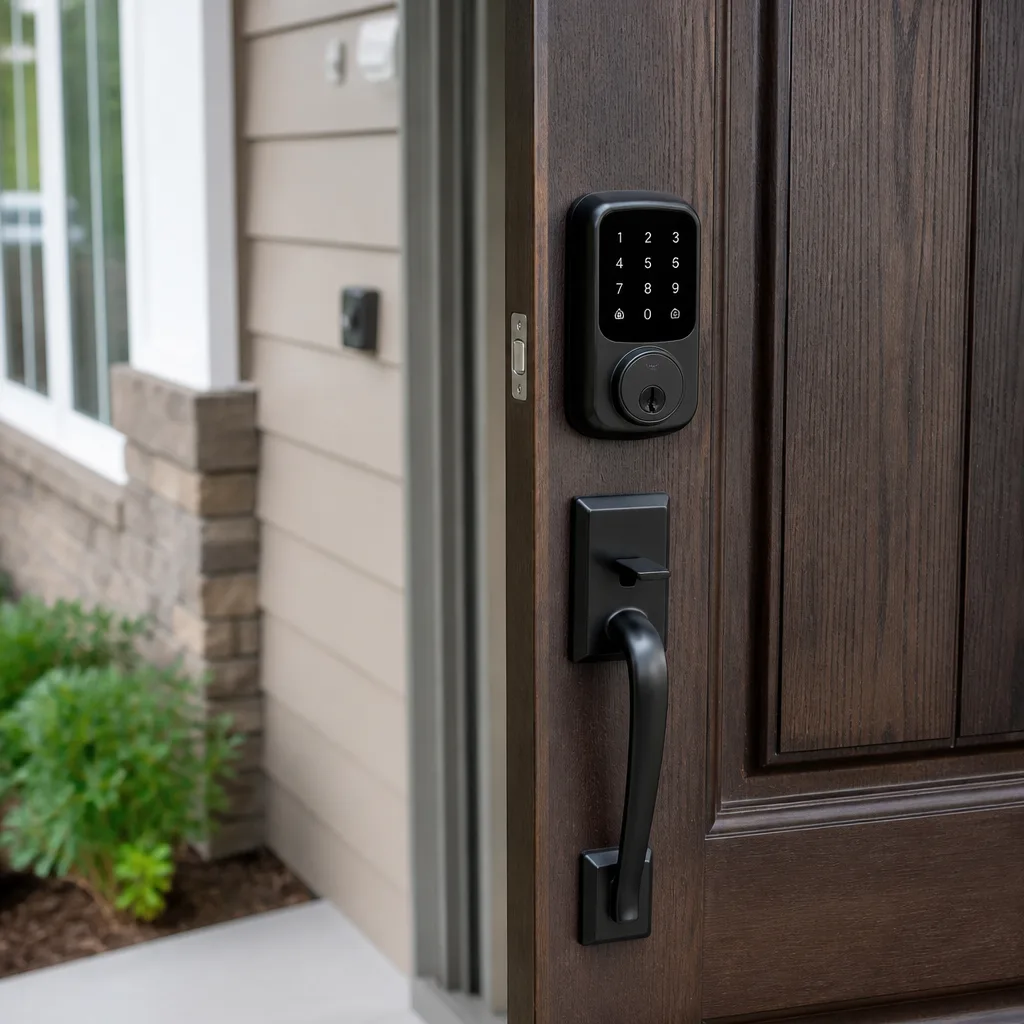
Smart lock stopped working
What’s Happening
A smart lock that won’t respond almost always comes down to one of four things: a dead or failing battery, a lost connection between the lock and its app or hub, a mechanical fault inside the lock body itself, or a programming error that locked the unit out of its own system. In the vast majority of cases, a trained technician can diagnose the cause on the first visit and have your door securing properly the same day.
Smart locks are really two devices sharing one housing: a standard deadbolt or latch mechanism, and a small computer that talks to your phone, keypad, or home network. When either half fails, the whole thing stops. The frustrating part is that a dead battery and a corrupted firmware state can look identical from the outside – the lock just sits there and does nothing. That’s why chasing the wrong fix first wastes time. The steps below will help you narrow it down before anyone shows up.
Why It Happens
1. The batteries are dead or nearly dead
This is the single most common reason a smart lock goes silent, and it catches people off guard because most smart locks don’t give much warning before they quit entirely. If your lock stopped responding overnight or after a stretch of cold weather (cold temperatures drain batteries faster than most manufacturers advertise), batteries are the first thing to rule out. A quick sign: some locks will click or beep weakly when you press a button even with a dead battery, while others go completely silent.
2. The wireless connection has dropped
Smart locks that rely on Z-Wave, Zigbee, or Bluetooth can lose their pairing with a hub or phone after a router change, a hub firmware update, or even a brief power outage. If the lock’s keypad or manual buttons still work but the app shows the lock as “offline” or unresponsive, a lost connection is the likely cause rather than a hardware failure. You’ll often see the lock’s status LED blinking in an error pattern – check the manufacturer’s guide for what that color or sequence means.
3. A mechanical fault inside the lock body
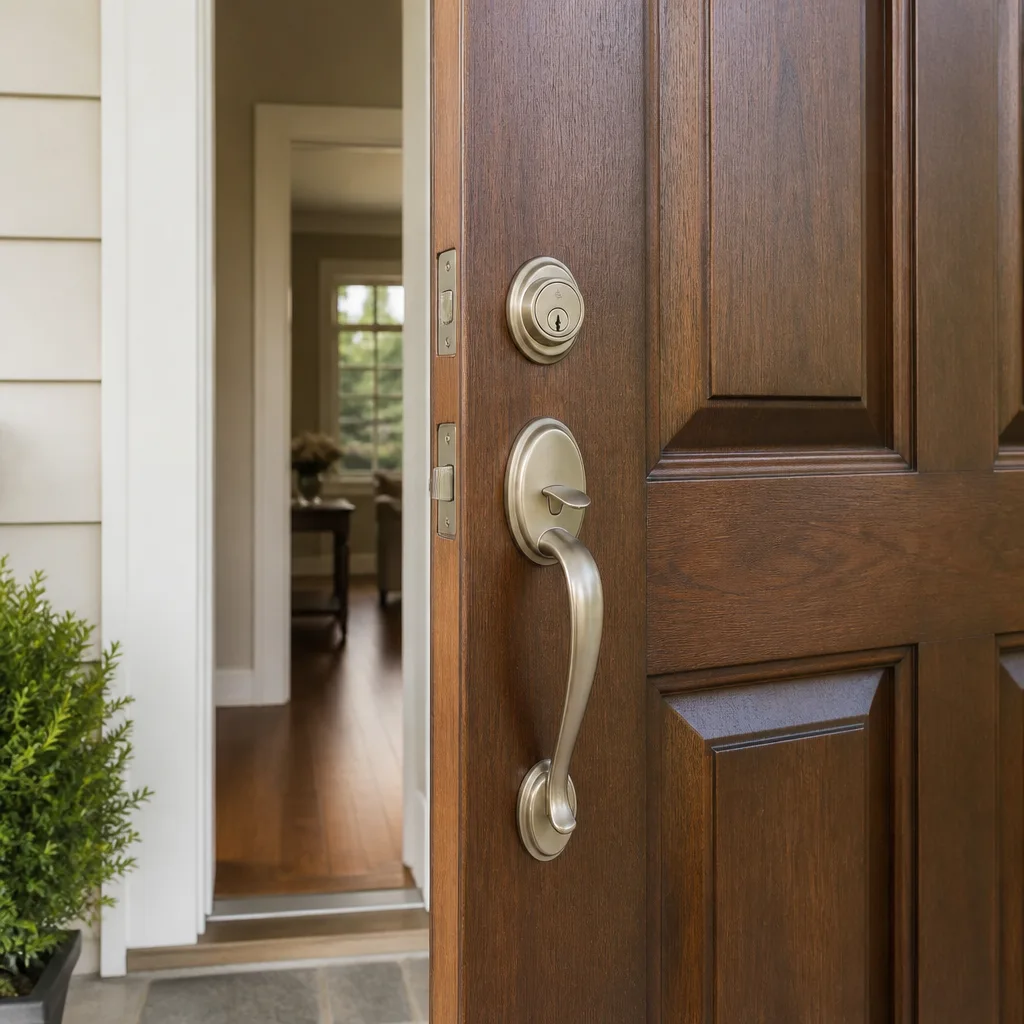
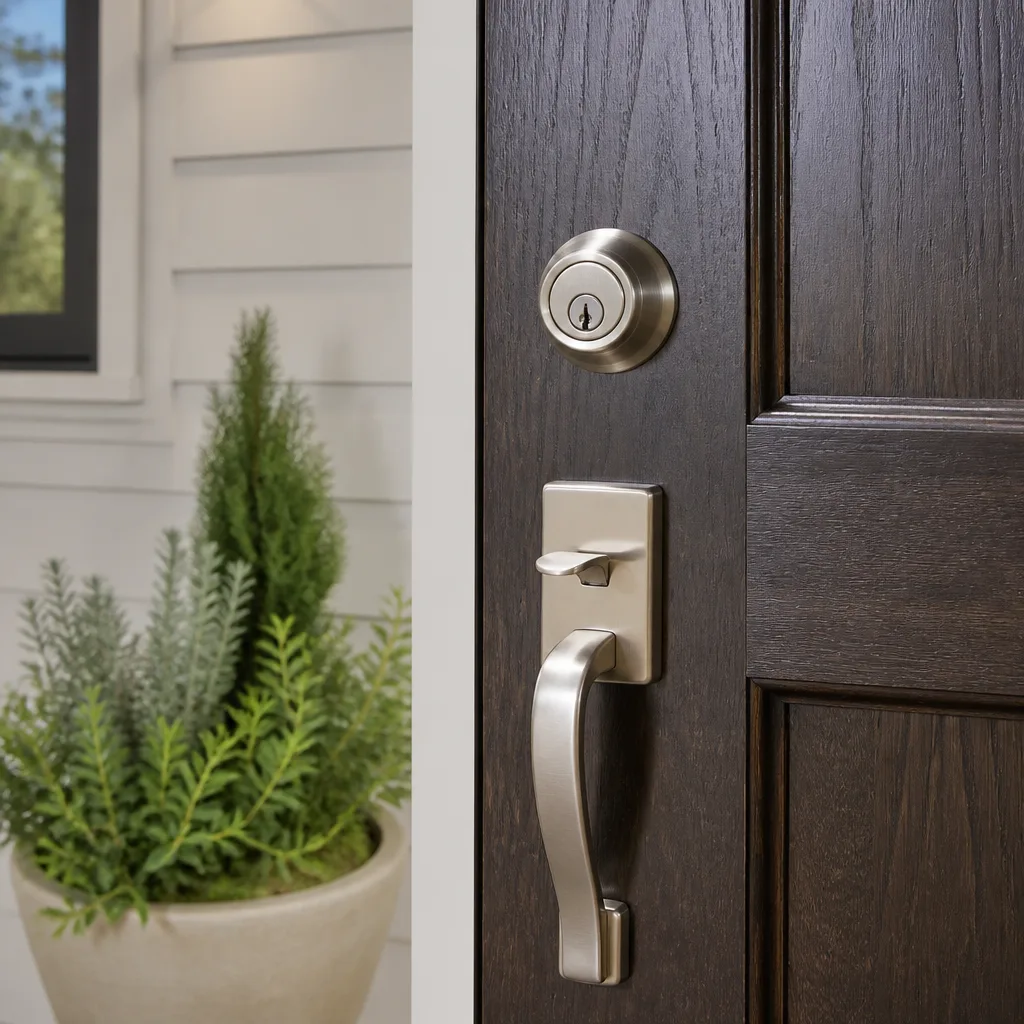
Smart locks have motors, cams, and spindles that wear over time, especially on a door that sees heavy use or one that’s slightly out of alignment. If you hear grinding, a repeated clicking, or the motor running but the bolt not moving, something mechanical has failed. Forcing the lock when this happens can strip the internal gears, so stop using it and call. This kind of repair isn’t a battery swap – it requires disassembly, diagnosis, and in some cases a full lock replacement.
4. A programming or factory-reset error
Firmware updates pushed over the air, accidental factory resets (sometimes triggered by holding the wrong button combination), or a corrupted user code database can put a smart lock into a state where it won’t accept any input – including the master code. If the lock is showing a solid error light or refusing every code you try, and you know the batteries are fresh, a programming fault is the likely culprit. Restoring the lock without locking yourself out of the door entirely is something best handled by someone who has done it before on that specific brand.
What to Do Right Now
- Replace the batteries first, even if you think they’re fine. Use brand-name alkaline batteries, not rechargeables. Some smart lock models run on a narrow voltage band and will misbehave on a partial charge that would be fine in any other device.
- Don’t force the deadbolt manually if the motor is making noise. If you can hear the motor running but the bolt isn’t moving, forcing it by hand or with a tool can break the internal cam or strip the gears. Stop and leave it in place.
- Take a photo of the lock’s LED indicator before you do anything else. The color, blink pattern, and sequence are diagnostic information a technician will want. The same lock can show five different error states, and the light tells you which one you’re in.
- Check your app for error messages or connection status. Screenshot anything the app is showing – “offline,” “communication error,” “low battery” warnings, or the last time the lock reported in. This is faster to hand to a technician than describing it from memory.
- Make sure you have a physical key to the door before the technician arrives – especially if the lock is in a failed state that blocks both the keypad and the deadbolt from operating. If you’re already locked out, call (409) 405-4485 now; your local Preston Locksmith & Security team handles lockouts too.
How We Fix It
When a Preston Locksmith & Security technician arrives, the first thing they do is a quick functional assessment: battery voltage check, manual bolt operation, app or hub connectivity, and a visual inspection of the door frame alignment. That takes about ten minutes and tells them whether the problem is electronic, mechanical, or both.
From there, the repair path splits. If it’s a connection or programming issue, they’ll work through the manufacturer’s reset and re-pairing process – something they’ve done many times on Schlage Encode, Yale Assure, Kwikset Halo, and similar platforms. If there’s a mechanical failure inside the lock body, they’ll assess whether repair or replacement makes more sense for the specific model and your door setup. Most visits wrap in under an hour.
Before any of that work begins, you get a written price. That’s not a formality – it’s part of The Relay Visibility Guarantee. The price you see on paper is the price on the invoice. This falls under our Door Lock Repair and Residential Locksmith services, and every repair is covered by the 365-Day Done Right Promise: if it’s not right, we come back. No charge, no argument.
Frequently Asked Questions
It depends on the failure mode. If the bolt is still extended and the door is locked, your home is physically secure even if the electronics aren’t responding – you’re inconvenienced, but not exposed. If the lock failed in the retracted (open) position, or if the door won’t latch at all, that’s a same-day repair. Don’t wait overnight on an unsecured door. Call (409) 405-4485 and your local team will tell you exactly how fast they can be there.
Yes, in most cases. Battery replacements, connection resets, and reprogramming are all same-visit jobs. Mechanical repairs depend on whether the internal components can be serviced on-site or whether a new lock body is needed – but your technician will know that within the first fifteen minutes and will give you a written price before starting anything. Call (409) 405-4485 to get your local team on the way.
Preston Locksmith & Security technicians are trained and equipped to service Schlage, Kwikset, Yale, Medeco, Baldwin, Mul-T-Lock, Sargent, and Abloy hardware – which covers the large majority of smart locks installed in residential homes. If your lock is an unusual or discontinued model, the technician will tell you upfront what they can and can’t do, and what the options are from there. No surprises.
The written price is given before any work starts – that’s not marketing language, it’s how every Preston Locksmith & Security job works under The Relay Visibility Guarantee. If the scope changes for any reason (for example, the technician opens the lock and finds a broken internal component that changes the repair), you get a revised written price before they proceed. The estimate is free. What you agree to in writing is what you pay. Call (409) 405-4485 to get your written quote started over the phone.
Get It Fixed
Call (409) 405-4485 or book online – your local Preston Locksmith & Security team will give you a live arrival time, a written price before any work starts, and a repair backed by the 365-Day Done Right Promise. Phones are answered by a live person, 24/7.
Written by Kevin Yoon, Owner at Preston Locksmith & Security, part of the Relay Home Co. family since 2008.
What Our Customers Say
"Showed me how to rekey a lock myself for the next time."
- Omar W."Commercial office lock replacement. Booked in the app, got a confirmation and a text with ETA. Quick and tidy."
- Jake L."Re-pinned the locks at our rental. Convenient and quick."
- Tina D.